How You Get Notified
Everything that happens between a visitor arriving at the kiosk and you receiving an email about it.
They scan the QR code
A visitor scans the QR code card at the front door to open the reception app directly, with no installation or sign-in required.
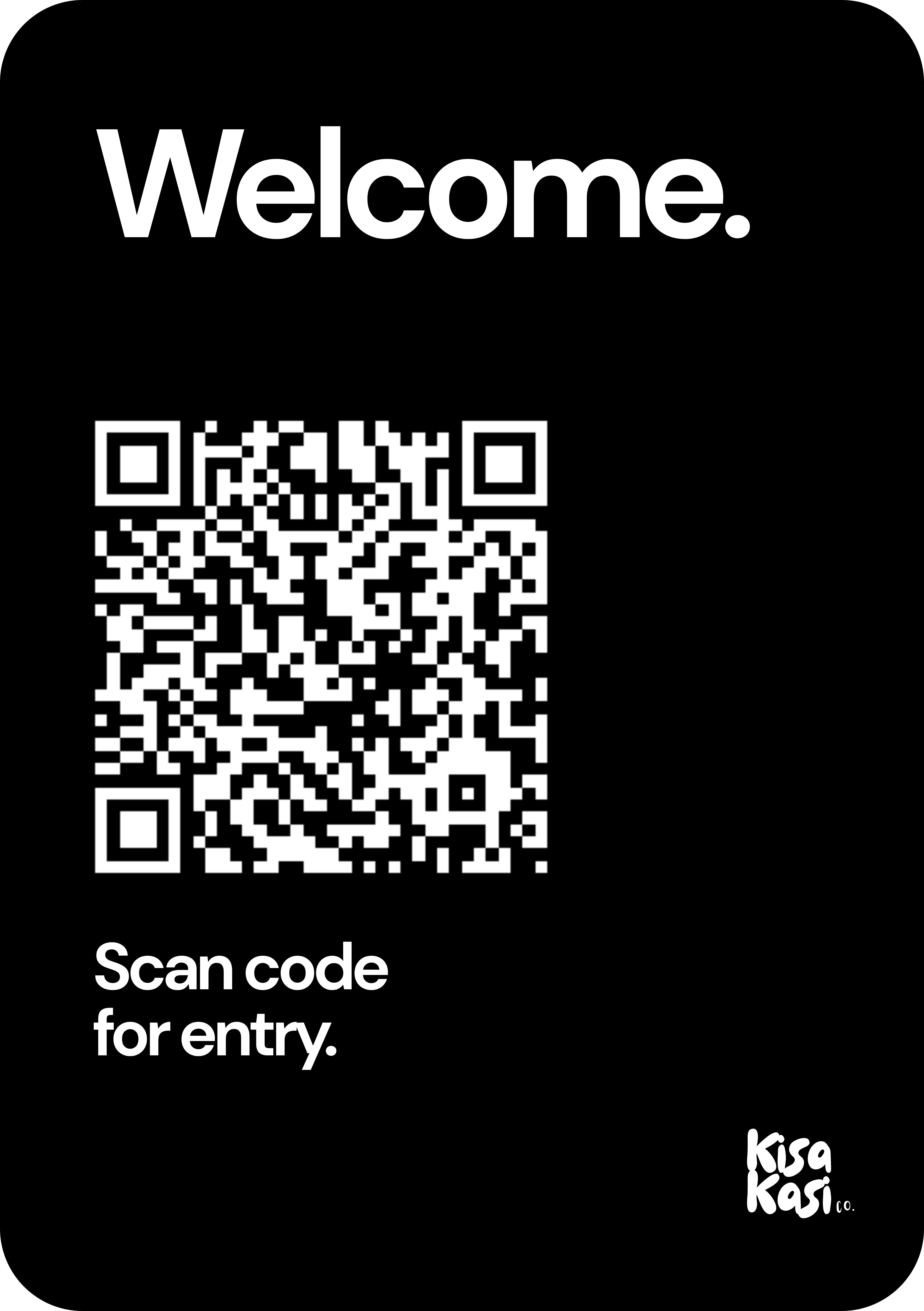 The card by the front door
It starts at the front door
A visitor approaches the kiosk and selects “Visitor Access” on the welcome screen to begin.
Welcome
How can we help you today?
Visitor Access
Deliveries
Day Pass
Booking
Meeting Room
Booking
Looking for a workspace?
Enquire here
A visitor arrives at the kiosk
They choose from three options and select “Visitor Arrival” to notify their host. Your details are never displayed on this screen.
Visitor Arrival
Here for a meeting?
Host Check-in
Register yourself for the day.
Booking Access
Day pass or meeting room?
They tell us who they are
The visitor enters their name (required) and, optionally, their company, email and purpose of visit, then taps “Check in & notify host”.
Your details
So your host knows who's here.
Who are you visiting?
Search and select your host.
Acme Studio
Sam Parker
We locate you and send the notification
We match the visitor’s selection to your record and send the notification to your inbox, so you are informed as soon as someone arrives. Your private details never appear on the public kiosk.
A notification arrives in your inbox
Within seconds you receive an email showing who has arrived and why. Please come out to let your visitor in. The email is generated on our side, so visitors cannot inject their own messages or links.
You have a visitor
VISITOR NAME
Jane Smith
jane@example.com
PURPOSE OF VISIT
Meeting
STATUS
They're waiting for you outside.
When a delivery arrives
The process is the same, only the message changes. A driver selects your company on the kiosk, and within seconds you receive an email letting you know a parcel is waiting at the front door. Please come out to meet the driver.
📦 Delivery has arrived
A delivery is waiting for you outside.
Please come to the front door.
Questions about your notifications? Contact us at hello@kisakasi.com.